Hexo安装NexT主题

Step1 安装Hexo的NexT主题

参考: Getting Started | NexT (theme-next.js.org)

使用源码安装

1
2
3
4
# 进入项目根目录
cd "博客目录"
# 下载源码至项目的主题存放对应目录
git clone https://github.com/next-theme/hexo-theme-next themes/next

修改配置文件./_config.yml

1
2
3
4
# 将原内容
theme: landscape
# 改为
theme: next

再次启动项目并访问

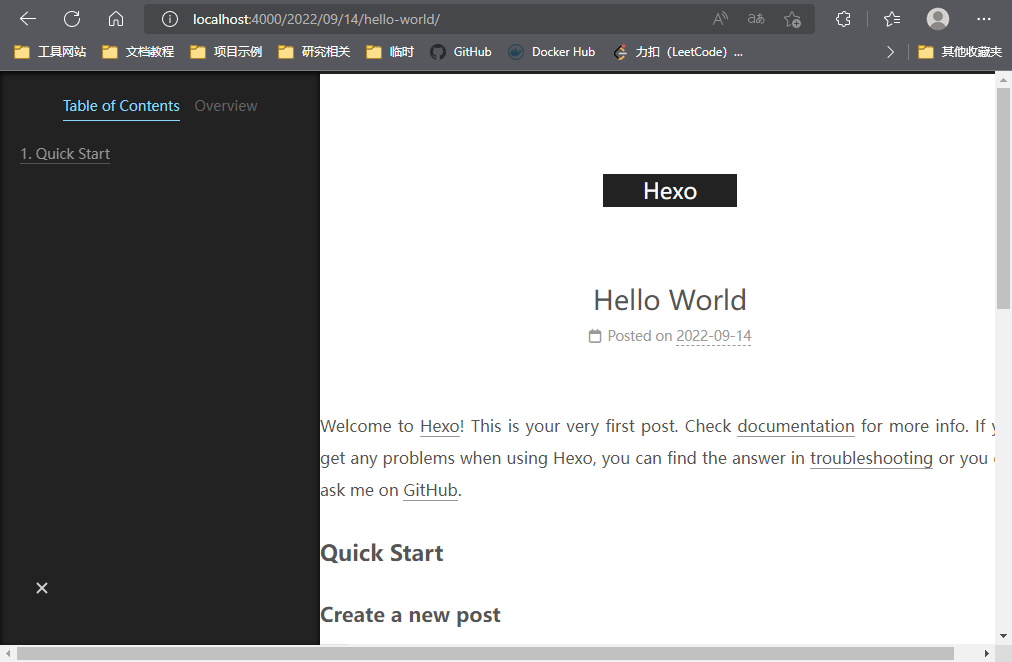
1663126309142

测试成功

Step2 设置高亮主题

前往 Highlight (theme-next.js.org) 查找需要的高亮主题,并复制网址上的配置内容分别至对应Hexo的_config.yml与NexT的_config.yml中

示例:

1
2
3
4
5
6
7
# Hexo的_config.yml
highlight:
enable: true
...
prismjs:
enable: false
...
1
2
3
4
5
6
7
8
9
# NexT的_config.yml
codeblock:
# Code Highlight theme
# All available themes: https://theme-next.js.org/highlight/
...
theme:
light: stackoverflow-dark
dark: stackoverflow-dark
...

Step3 设置导航栏与分类页面

参考: hexo之next主题添加分类_DrCrypto的博客-CSDN博客_hexo next 分类

1.修改NexT主题的配置文件

在NexT主题的_config.yml中修改以下部分生效(取消注释即可)

1
2
3
4
5
6
7
8
9
10
11
12
13
14
15
16
17
# ---------------------------------------------------------------
# Menu Settings
# ---------------------------------------------------------------

# Usage: `Key: /link/ || icon`
# Key is the name of menu item. If the translation for this item is available, the translated text will be loaded, otherwise the Key name will be used. Key is case-sensitive.
# Value before `||` delimiter is the target link, value after `||` delimiter is the name of Font Awesome icon.
# External url should start with http:// or https://
menu:
home: / || fa fa-home
about: /about/ || fa fa-user
tags: /tags/ || fa fa-tags
categories: /categories/ || fa fa-th
archives: /archives/ || fa fa-archive
#schedule: /schedule/ || fa fa-calendar
#sitemap: /sitemap.xml || fa fa-sitemap
#commonweal: /404/ || fa fa-heartbeat

2.添加categories页面

使用hexo命令创建categories页

1
2
3
4
5
6
7
8
9
10
11
12
13
14
PS D:\WorkSpace\Coding\Git\myHexo> hexo new page categories    
INFO Validating config
INFO ==================================
███╗ ██╗███████╗██╗ ██╗████████╗
████╗ ██║██╔════╝╚██╗██╔╝╚══██╔══╝
██╔██╗ ██║█████╗ ╚███╔╝ ██║
██║╚██╗██║██╔══╝ ██╔██╗ ██║
██║ ╚████║███████╗██╔╝ ██╗ ██║
╚═╝ ╚═══╝╚══════╝╚═╝ ╚═╝ ╚═╝
========================================
NexT version 8.13.0
Documentation: https://theme-next.js.org
========================================
INFO Created: D:\WorkSpace\Coding\Git\myHexo\source\categories\index.md
修改对应index.md内容如下

1
2
3
4
5
---
title: categories
date: 2022-09-14 13:15:16
type: "categories"
---

在文章起始位置添加categories信息

1
2
3
4
5
6
7
8
---
...
categories:
- 主分类
- 子分类
- 子子分类
...
---

3.添加tags页面

使用hexo命令创建tags页面

1
2
3
4
5
6
7
8
9
10
11
12
13
14
PS D:\WorkSpace\Coding\Git\myHexo> hexo new page tags      
INFO Validating config
INFO ==================================
███╗ ██╗███████╗██╗ ██╗████████╗
████╗ ██║██╔════╝╚██╗██╔╝╚══██╔══╝
██╔██╗ ██║█████╗ ╚███╔╝ ██║
██║╚██╗██║██╔══╝ ██╔██╗ ██║
██║ ╚████║███████╗██╔╝ ██╗ ██║
╚═╝ ╚═══╝╚══════╝╚═╝ ╚═╝ ╚═╝
========================================
NexT version 8.13.0
Documentation: https://theme-next.js.org
========================================
INFO Created: D:\WorkSpace\Coding\Git\myHexo\source\tags\index.md

修改对应index.md内容如下

1
2
3
4
5
---
title: categories
date: 2022-09-14 13:15:16
type: "categories"
---

在文章起始位置添加tags信息

1
2
3
4
5
6
7
---
...
tags:
- tag1
- tag2
...
---

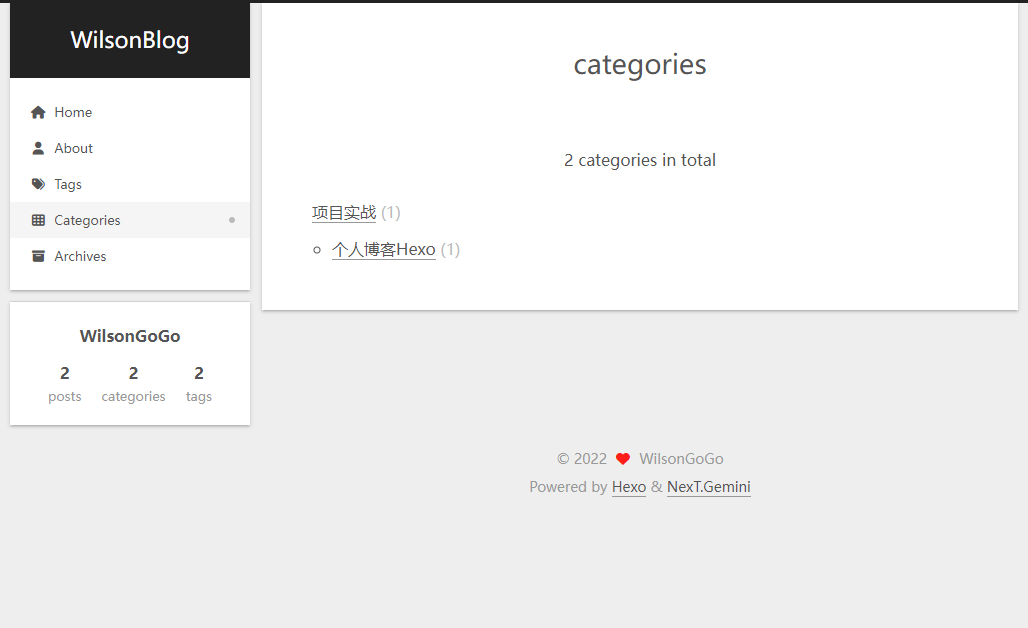
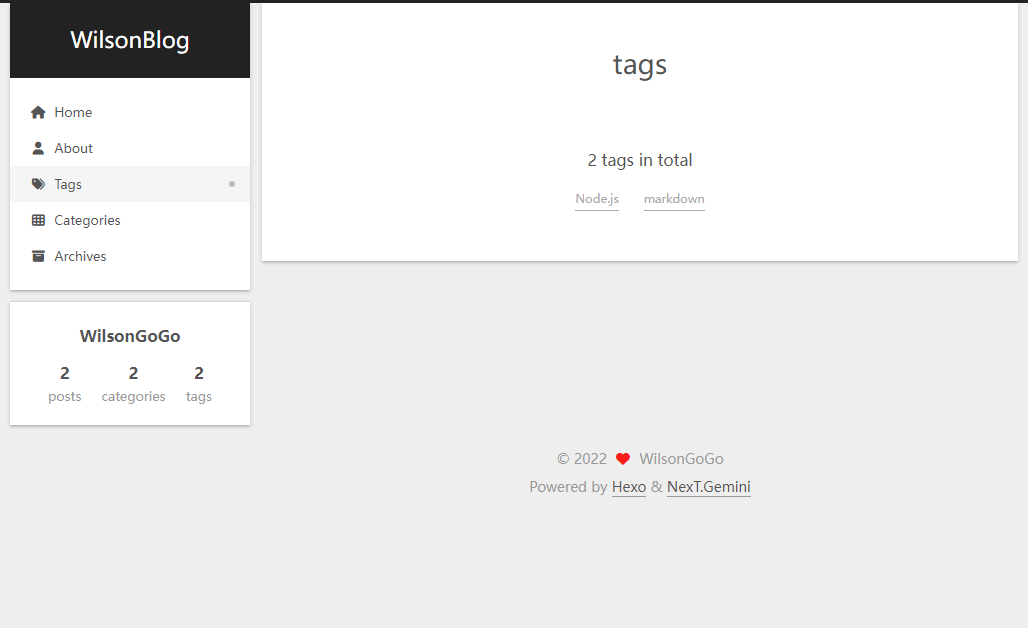
4.测试效果

1663133939359

1663133949033